Why Does My Thinkkitchen Air Fryer Make Loud Startup Noise?
A brief fan whoosh or hum at startup can be normal, but grinding, rattling, or a noise that continues or worsens deserves a check. Turn the oven off, unplug it, and inspect only removable parts once it has cooled.
On this page (8 sections)
- Is a Thinkkitchen air fryer toaster oven loud at startup?
- What should you check before using it again?
- Could a rack, tray, or liner cause the noise?
- When should you stop using the oven?
- Can airflow or countertop setup affect the sound?
- Does a startup sound mean the oven is failing?
- Which accessories help with a noisy oven?
- What should you do about Thinkkitchen startup noise?
A brief fan rush or hum can be normal when a Thinkkitchen air fryer toaster oven starts, but grinding, scraping, or repeated rattling is a reason to stop and inspect it. Turn the appliance off, unplug it, and check removable trays and racks only after it cools.
A fan may reach its operating speed quickly, making startup sound louder than the quieter part of a cycle. The sound should settle into a steady airflow; a new or worsening noise calls for caution.
Is a Thinkkitchen air fryer toaster oven loud at startup?
A short, steady whoosh or hum can come from the fan starting. The noise is more concerning if it sounds like metal scraping, sharp rattling, or grinding, or if it continues after startup.
Thinkkitchen models can differ, so check your model's manual for normal operating sounds and safety steps. If the manual doesn't explain the sound, contact the manufacturer with your model number and a description of when the noise happens.
If the appliance also fails to power on, use the steps in Why Is My Air Fryer Not Turning On? before trying another cycle. Don't repeatedly restart an oven that makes a harsh or unusual sound.
What should you check before using it again?
Unplug the oven, let it cool, and check its removable parts for movement or debris. Don't remove panels or reach into the fan area.
- Make sure the oven is off and unplugged.
- Wait until the oven and accessories are cool.
- Remove the crumb tray, rack, and other removable parts.
- Look for crumbs or anything loose, and clean removable parts as the manual directs.
- Refit each accessory securely, then check that the oven sits on a stable, level surface.
Don't insert tools through vents or try to stop a fan by hand. If the sound remains after the basic checks, leave the oven unplugged and contact support.
Could a rack, tray, or liner cause the noise?
A loose rack or tray can rattle as airflow or vibration moves it. Reseat accessories only when the oven is cool, then run it empty only if the manual permits that check.
Paper liners can shift in strong airflow, especially before food weighs them down. Use parchment only if the manual allows it, keep it inside the tray, and never let it touch a heating element or sit loose during preheating.
Skip liners if they could block airflow or move near a heating element. A liner won't fix a fan, motor, or loose internal part.
When should you stop using the oven?
Stop using it if the noise is grinding, banging, or paired with smoke, sparks, or a burning smell. Unplug it if safe, let it cool, and ask Thinkkitchen support or a qualified repair service what to do.
Don't use the appliance if its cord or plug is damaged, or if the sound returns after reseating removable parts. Avoid opening the housing, since internal components can remain hazardous even when the oven is off.
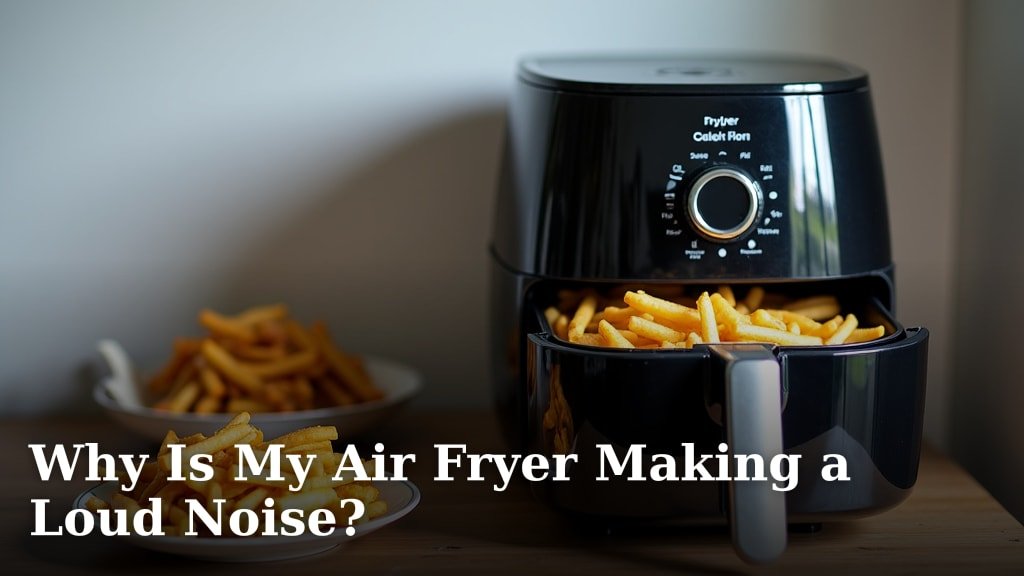
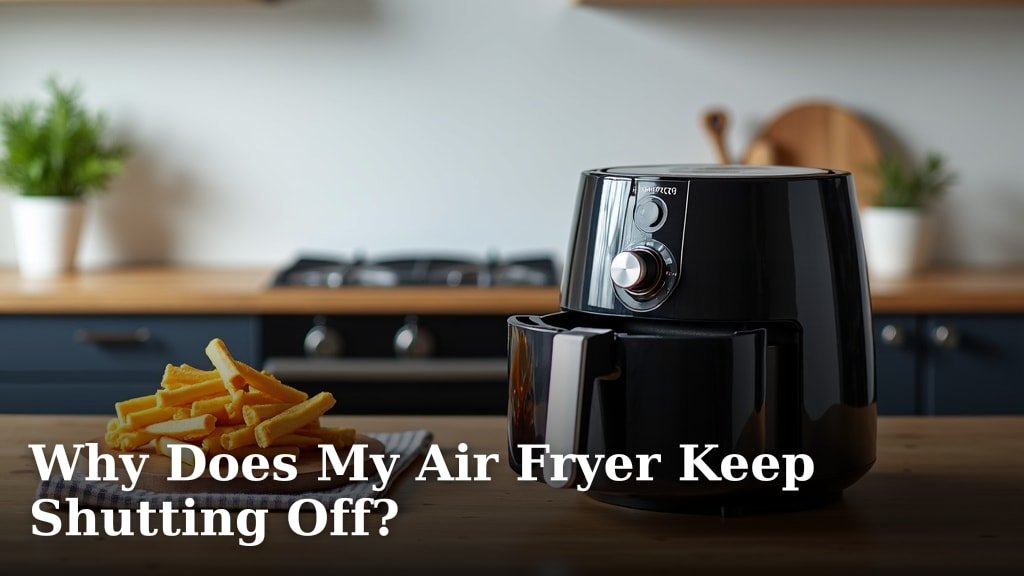
If the unit shuts down during use as well as making noise, see Why Does My Air Fryer Keep Shutting Off?. For a general comparison of fan and mechanical sounds, read Why Is My Air Fryer Making a Loud Noise?.
Can airflow or countertop setup affect the sound?
A stable counter and clear ventilation space can help prevent extra vibration and airflow noise. Follow the clearances in your model's manual, and don't push the oven against a wall or place it beneath low cabinets unless the manual allows it.
Keep the surface level and remove items that might vibrate against the oven. Don't place cloth, paper, or other objects over vents.
Avoid using a liner if it blocks vents or could touch a heating element. Stop if noise persists even with the oven level and accessories seated.
Does a startup sound mean the oven is failing?
Not by itself; a brief, steady fan sound can be part of normal operation. A sudden change in sound, grinding, or repeated rattling is a better reason to stop and seek help.
Note when the noise occurs: at power-on, when the fan starts, during heating, or after the cycle. Record a short clip from a safe distance if you can do so without running an appliance that smells burnt, smokes, or makes a severe mechanical noise.
Share the model number, when the noise happens, and any error or shutdown behavior with support. Don't rely on online advice to diagnose internal wiring or motor problems.
Which accessories help with a noisy oven?
No accessory can repair a noisy fan or motor. Choose accessories only when they fit your model and won't interfere with airflow or heating elements.
For appliance use, stick to accessories approved in the Thinkkitchen manual. If you're choosing a replacement appliance, compare Can You Use an Air Fryer as a Toaster Oven? and our Best Toaster Oven Air Fryer Combo guide.
What should you do about Thinkkitchen startup noise?
Keep using the oven only if the startup sound is brief, steady, and consistent with the manual. Stop and seek help for grinding, scraping, worsening rattles, smoke, sparks, or a burning smell.
Check removable parts and countertop stability after the oven cools. If the cause isn't clear, leave it unplugged and contact Thinkkitchen support with your model number and a description of the sound.
Frequently asked questions
Why does my Thinkkitchen air fryer toaster oven make noise when it starts?
A fan starting up can make a brief rush of air or hum. A new grinding, scraping, or rattling sound may point to a loose rack, tray, crumb, or a part that needs service.
Turn it off and unplug it before checking removable parts, and don't open the housing.
Is a loud fan normal in an air fryer toaster oven?
Some fan noise is expected while an air fryer toaster oven circulates hot air, though the sound should be steady and not accompanied by scraping, smoke, or a burning smell. Compare it with the appliance manual's guidance.
Stop using it if the sound is harsh, grows louder, or continues after the cycle.
Can I use parchment liners in an air fryer toaster oven?
Use a liner only if the Thinkkitchen manual allows it and the liner fits the tray or basket. Keep paper weighed down by food, away from heating elements, and out of an empty preheat; loose parchment can move in the airflow and become a fire hazard.
When should I stop using an air fryer toaster oven that is noisy?
Stop using it if you hear grinding or repeated banging, smell burning, see smoke or sparks, or notice a damaged cord or plug. Unplug it if you can do so safely, let it cool, and contact Thinkkitchen support or a qualified repair service rather than removing the cover.